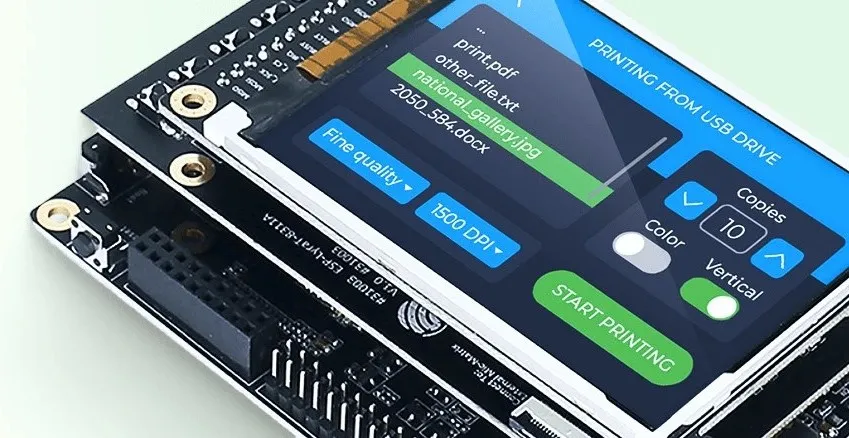
As designers, we often think of user interfaces in terms of pixels, motion, and mood – not memory, threads, or frame buffers. But when you start designing for embedded systems, suddenly those hidden constraints become part of the creative process. Recently, I’ve been exploring two very different worlds for building interfaces on small devices: Qt and LVGL.
At first glance, they both let you design screens for hardware, but they exist at opposite ends of the embedded design spectrum. Understanding that difference changes how you approach interaction design when your canvas is not a browser or a phone, but a circuit board.
Two Worlds, Two Philosophies
LVGL (Light and Versatile Graphics Library) feels like the purest expression of embedded design. It’s small, written in C, and it runs directly on microcontrollers — the kind of chips that power wearables, thermostats, or simple control panels. There’s no operating system, no window manager, no browser engine. You draw pixels straight to the screen, often with just a few hundred kilobytes of memory to spare.
Designing with LVGL means thinking like an engineer: every colour, image, and transition is a decision about resources. You learn to simplify — to communicate with the fewest moving parts possible. It’s minimalism, not by choice, but by constraint.
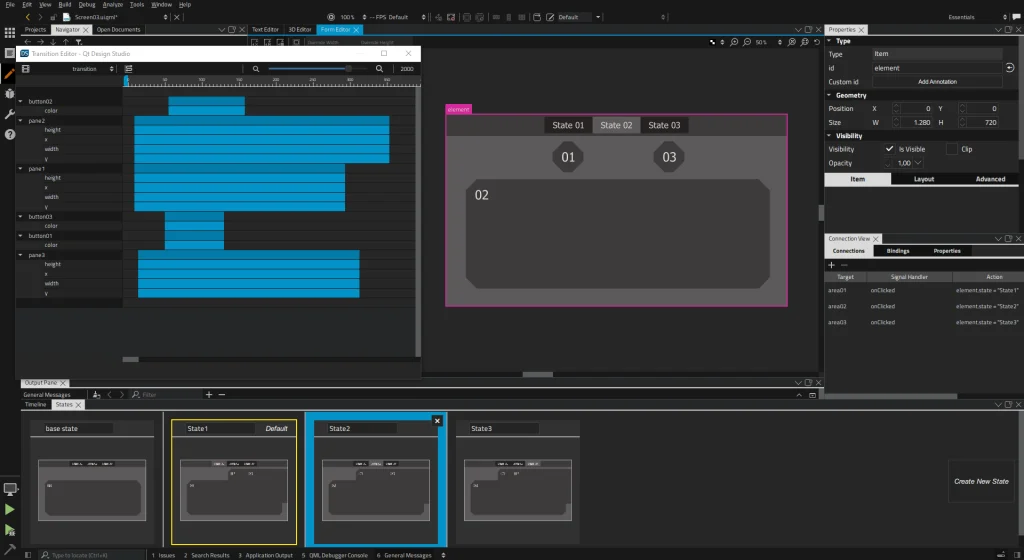
Qt, in contrast, sits much higher up the technology stack. It’s a complete application framework, used across desktop, mobile, and embedded Linux systems like the NVIDIA Jetson or Raspberry Pi 5. It comes with GPU acceleration, modern animation tools, and its own declarative design language called QML. With Qt, you can design beautiful, fluid interfaces that look and feel like native desktop software — even if they’re running on a single board computer.
The Feel of Each
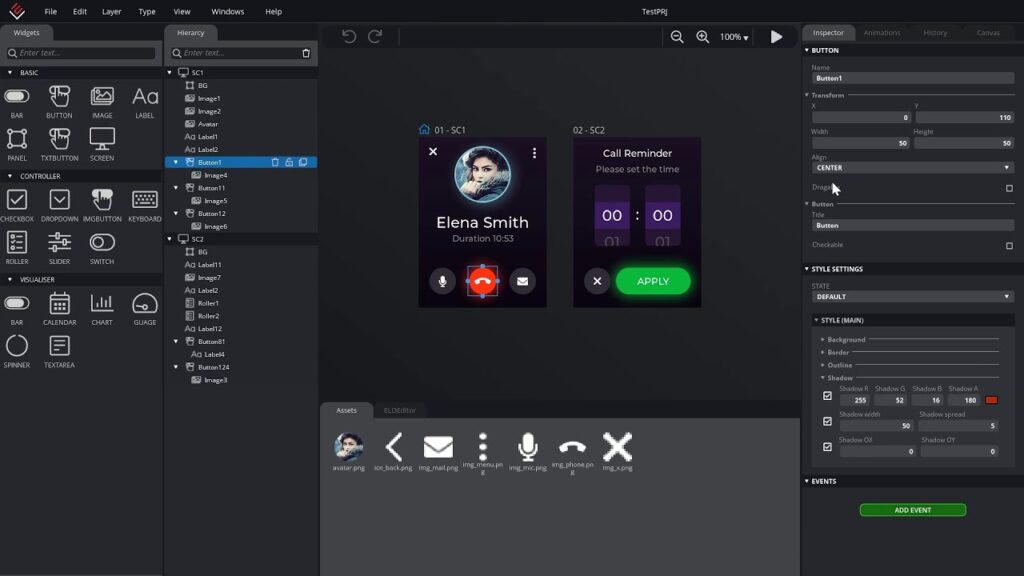
Working with LVGL feels hands-on and raw. You’re close to the metal, defining widgets, handling touch events, and managing memory yourself. There’s no visual editor, no fancy design studio. It’s fast, reliable, and surprisingly flexible once you get into its logic, but everything must be built by hand.
Qt, on the other hand, feels like a design tool disguised as a development environment. You can sketch an interface visually in Qt Design Studio, animate it with keyframes, and use QML to bring it to life. It rewards designers who think in terms of interaction and narrative. It’s also one of the few frameworks where you can design once and deploy to multiple targets from embedded Linux to desktop to mobile with little change in layout or behaviour.
Performance and Personality
LVGL thrives on constraint. It can run on an Arduino GIGA R1, an ESP32, or a low-power ARM chip with minimal RAM. It boots instantly, consumes almost nothing, and feels stable even on the tiniest boards. The trade-off is that your visual language has to be simple – flat colours, clean geometry, restrained animation.
Qt expects more from your hardware – at least 512 MB to 1 GB of RAM, and ideally GPU support. In return, it gives you access to smooth transitions, blur effects, 3D scenes, and rich typography. It’s not for ultra-low-power devices, but for anything running Linux, it’s a designer’s playground.
When to Use Which
Here’s how I decide:
- If the device has less than a gigabyte of RAM, or no operating system at all → LVGL.
- If it runs Linux and you want high-fidelity, animated experiences → Qt.
- If the project is about functionality and reliability → LVGL.
- If it’s about expression and polish → Qt.
In practice, many teams use both – prototyping visuals in Qt and porting simplified versions to LVGL for production. The two can even coexist in the same design workflow, bridging creativity and constraint.
Final Thoughts
As the boundaries between hardware and design blur, frameworks like Qt and LVGL remind us that interface design isn’t just about pixels – it’s about context. The same slider or animation behaves differently when it’s powered by a 32-bit microcontroller versus a full Linux board.
For designers venturing into embedded experiences, understanding these tools isn’t just technical literacy; it’s creative fluency. Whether you’re sketching an elegant dashboard on a Jetson Nano or crafting a minimal control UI on an ESP32, you’re designing for the edge – and that’s where design still feels a bit like magic.